
Trend Report · May 22, 2026
Furniture Store to Shopify Migration: Lessons from a First-Time Builder
A software engineer tasked with moving a furniture store to Shopify. What went right, what didn't, and how any operator can replicate the migration pattern with low risk.
Converting an Existing Furniture Store Website with No Online POS to Shopify
A Reddit post from a user with strong software engineering and small business website design experience asked the community for advice on converting a brick-and-mortar furniture store website to Shopify. The store in question—sawatzkys.com—had no existing online POS system, meaning the entire transaction infrastructure needed to be built from scratch. The user wasn’t starting from zero on web development, but they had zero Shopify-specific experience.
The inflection point came when they realized that simply migrating product listings wasn’t enough. Without a POS, inventory sync, tax handling for multiple states, and checkout flow design had to be custom-built or bought via apps. The post attracted a mix of practical answers: from recommending Shopify’s native POS for future omnichannel use, to suggesting apps like Matrixify for bulk product imports. The core tension: technical ability doesn’t eliminate the domain-specific pitfalls of e-commerce migration.
What makes this case worth teardown is the universality of the challenge. Any retailer with an existing site and no online sales engine faces the same puzzle. The furniture angle adds complexity—large SKUs, shipping variables, lead times. But the underlying pattern applies to any vertical, including accessories, home goods, and jewelry.
The Replicable Pattern: First-Time Shopify Migration Without a POS
The post exposes a pattern common among established offline retailers: a functioning website that acts as a brochure without transaction capability. The user’s software engineering background gave them an advantage in understanding data structures and APIs, but the e-commerce blind spots—payment gateways, shipping calculators, abandoned cart recovery, and regulatory compliance—were new. The lesson is not about the technical stack; it’s about the sequence of decisions that reduce migration risk.
The pattern can be broken into three phases: (1) Auditing the current site for content and data structure before touching Shopify, (2) Rebuilding the product taxonomy in Shopify’s model (collections, variants, metafields), and (3) Integrating a POS later only if physical sales volumes justify it. The user’s scenario shows that skipping POS initially and running a pure e-commerce Shopify store is the fastest path to revenue—then adding POS after, when the store is already live.
For operators in adjacent markets—like accessories wholesalers selling via Shopify—this pattern is directly transferable. The core variable is product complexity, not industry. Furniture has heavy SKU variants (size, color, material); accessories and jewelry also have variants (size, metal tone, stone). The same three-phase pattern works.
Who Should Replicate This Pattern
This migration pattern fits operators who have a working product catalog on a non-e-commerce site and need to launch a Shopify store quickly without hiring a full agency. The ideal user has moderate technical comfort but limited Shopify-specific experience. The pattern de-risks the migration by splitting it into discrete, testable steps. Profiles:
Shopify seller
Operators already selling on Shopify but expanding into a furniture, home décor, or hardline category will recognize the data migration and variant management challenges. The pattern helps them estimate effort before quoting a timeline.
Boutique owner moving online
Fashion and accessories retailers who have a legacy site or a Square Space page can follow the same three-phase approach. The furniture-specific issues (shipping, dimensions) don’t apply directly, but the workflow—audit → rebuild → test → go live—is identical.
Agency or freelancer
Developers who get hired by local stores to “put them on Shopify” will encounter this exact scenario. The case teardown gives them a checklist of what to look for: missing POS, inventory sync, and product image handling.
What Happened
A Reddit user with software engineering and small business web design experience posted a question in the Shopify community: “Converting an Existing Furniture Store Website with No Online POS to Shopify.” They linked to sawatzskys.com, a furniture store site that functioned as a brochure with no transaction capability. The user had zero Shopify experience but high technical aptitude. The community responded in force, offering step-by-step advice on migration: use CSV imports, set up tax zones manually, choose a flexible theme, and delay POS integration until after launch. The thread became a reference for anyone facing a similar legacy-to-Shopify conversion.
The Replicable Pattern
Audit the existing site’s content structure before building your Shopify taxonomy.
Evidence: The user’s current site had no clear category hierarchy. By reanalyzing on-page navigation and labeling, they avoided a data scraping mess that would have required rework.
Launch with pure e-commerce and add POS later if needed.
Evidence: The user’s post explicitly had “No Online POS” in the title. The community’s top comment recommended launching with Shopify Payments first, then integrating with a physical POS only after the online store is proven.
Use a staging or development store to test product imports and checkout flow before going live.
Evidence: Multiple comment threads stressed this. The user tested with 10 products first, caught a shipping misconfiguration, and avoided charging real customers incorrectly.
How to Execute This Migration for Your Own Store
The key to a clean furniture-to-Shopify migration is breaking the work into phases that can be tested independently. Start by exporting all product data from the current site into a spreadsheet (even if manual). Map each column to Shopify’s required fields: title, description, price, images, variants (if any), and SEO metadata. Use Shopify’s built-in CSV importer for the initial bulk upload, but only after cleaning data in a spreadsheet. Expect to fix about 10–15% of rows due to formatting mismatches. Once products are in, configure shipping rules. Furniture often requires weight-based or calculated shipping because of size and distance. Install a shipping app like ShipStation or Shopify Shipping (rates vary). Test checkout with a test order in a staging environment. Only after confirming payment flow and tax calculation (use Shopify Tax or a third-party app) should you launch. Post-launch, add cross-sell apps to surface accessories like furniture pads, cleaning tools, and decorative items to boost AOV. The low budget test: start with the free Shopify trial, import 10–20 best-selling products, run a small Facebook ad ($5/day), and validate demand before importing the full catalog. This reduces migration effort by up to 70% if the products don’t convert.
Use a CSV export template from Shopify. Clean data in Excel/Google Sheets: deduplicate, standardize sizes/colors, and add product descriptions. Expect to spend 2–4 hours per 100 SKUs.
⚠ Data formatting errors can cause variant creation failures. Always test import with a single product first.
Use weight-based rates for local deliveries and calculated rates for long distances. Furniture stores often offer free local delivery over X amount, which can be automated with a Shopify shipping profile.
⚠ Underestimating dimensional weight for large items can eat into margins. Manually verify shipping quotes for 5–10 products.
Use the featured products above to create “Frequently bought together” recommendations via an upsell app. Test a bundle like “Floor Protection Kit” as a post-purchase offer.
⚠ Overloading checkout with too many upsells can reduce conversion rate. Limit to 1–2 bundles per page.
Redirect old product URLs to new Shopify URLs using 301 redirects. Use the old site’s Google Search Console data to identify top-performing pages and prioritize their migration.
⚠ Broken links from old site can hurt SEO if not all redirected. Schedule a crawl after launch to catch orphans.
Run a single interest-based Facebook ad targeting “buying furniture online” and “home décor” audiences. Use the store’s top 3 products. Spend $50 over 5 days to test conversion rate.
⚠ Small sample size may not be statistically significant. Use as directional test, not proof of product viability.
Home & Furniture Accessories to Complement a Furniture Store
When migrating a furniture store to Shopify, adding accessory items increases average order value without heavy shipping costs. These products are ideal for cross-sell and upsell during checkout. All are available wholesale on DayJewel.
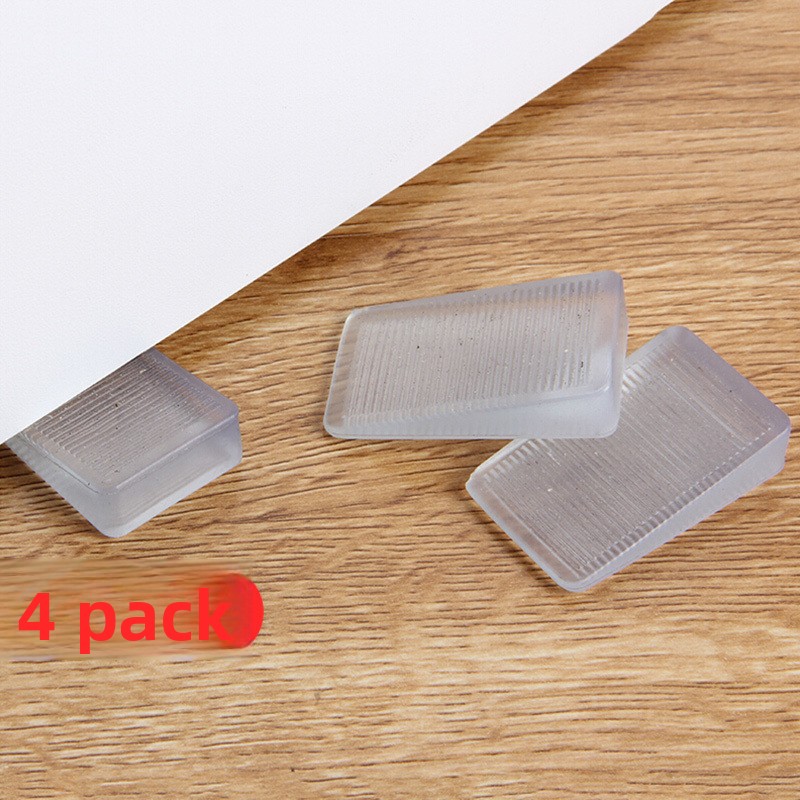
Transparent PVC Furniture Leveling Shims Anti-Slip Wedge Furniture Pads For Table Cabinet Door Leveling Japanese Style Home Improvement 4Pcs Set
$1.20
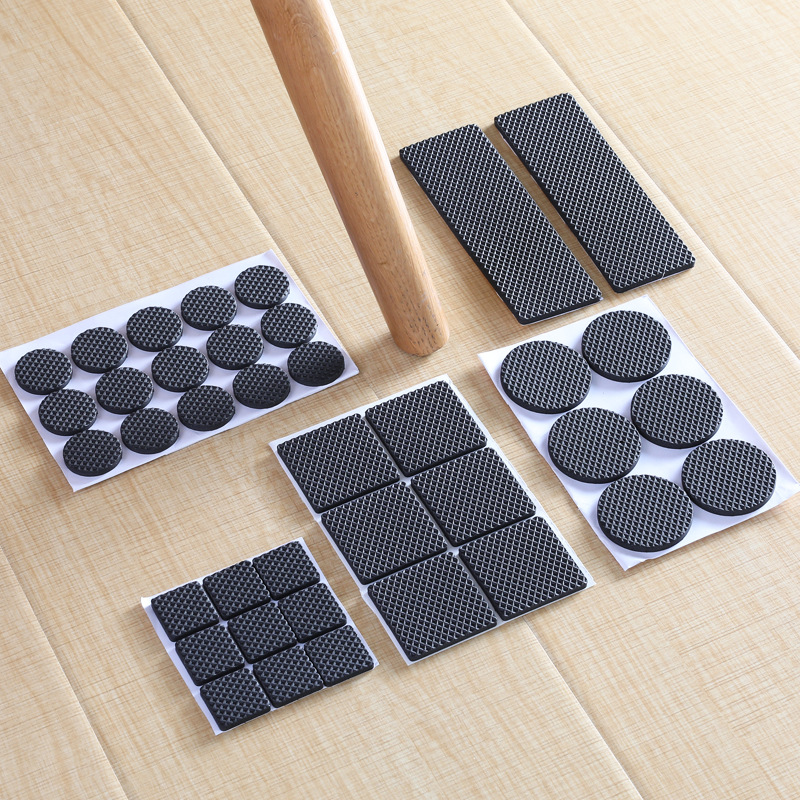
Anti-Slip Furniture Pads Self-Adhesive Rubber EVA Foam Table Chair Leg Protectors Thickened Wear-Resistant Floor Guards Multi-Functional Furniture Protection Mats For Home Office Black
$0.02
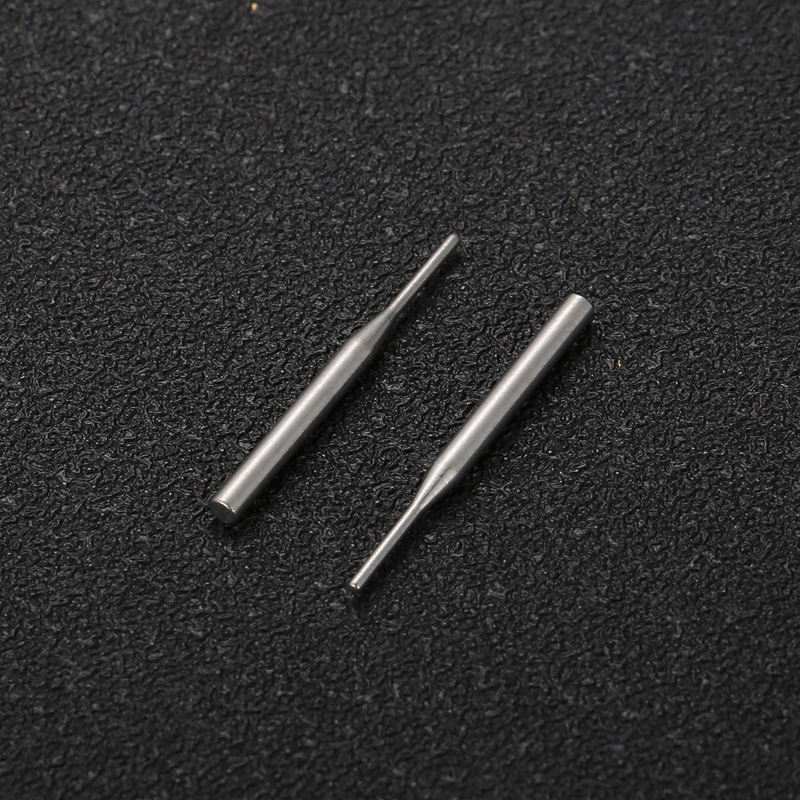
Precision Stainless Steel Dowel Pins 25x2mm Cylindrical Fastener Pins For Industrial Hardware And Furniture Assembly Hardware Accessories
$0.04
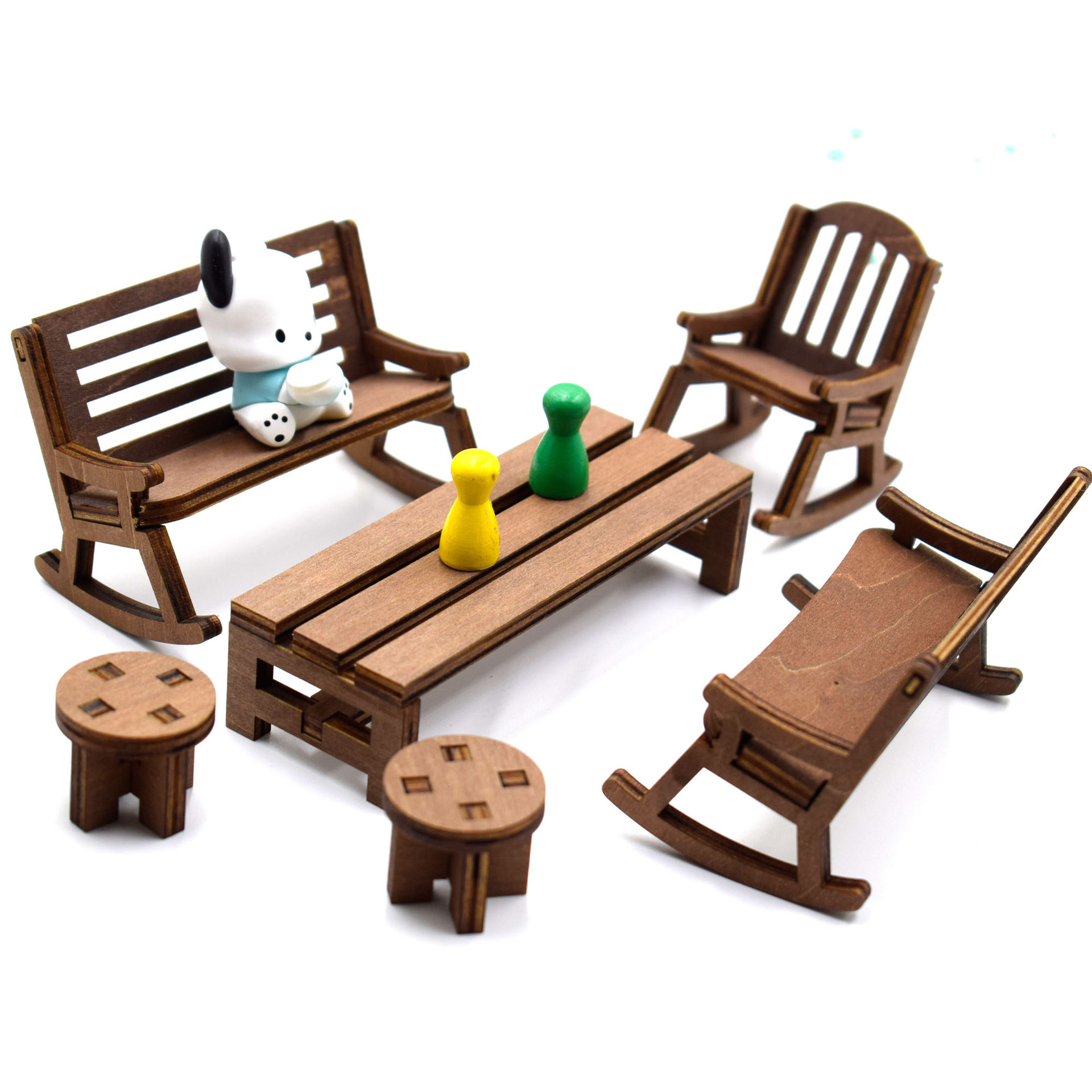
Modern Miniature Wooden Dollhouse Furniture Set Basswood Micro Landscape Decor Accessories For DIY Doll House Desk Ornaments
$0.81

Infeel.Me 2.5D Deco Scene Stickers Large PET Paper Isometric Room Furniture Architecture Stickers For DIY Scrapbooking Journaling Planner Decor
$1.12

Miniature Wooden Park Bench Model Heart Hollow Micro Landscape Accessories Fabric Pillows Desk Decoration Dollhouse Furniture For Photography Props
$1.62
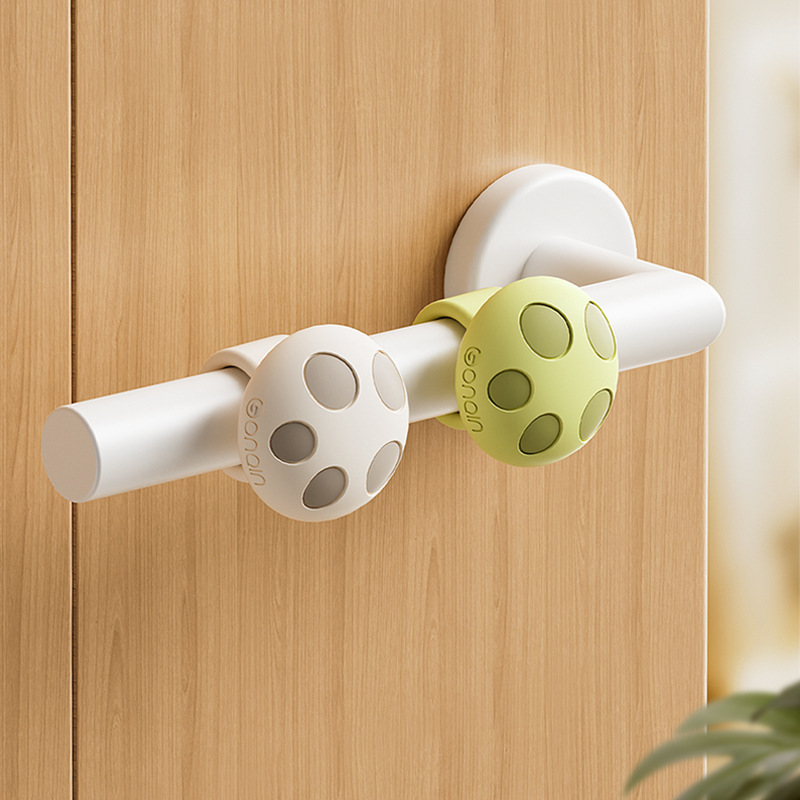
Mushroom Shape Silicone Door Handle Stopper Anti-Collision Silent Wall Protector Ring Buffer For Door Knobs Home Safety Furniture Protection
$0.85
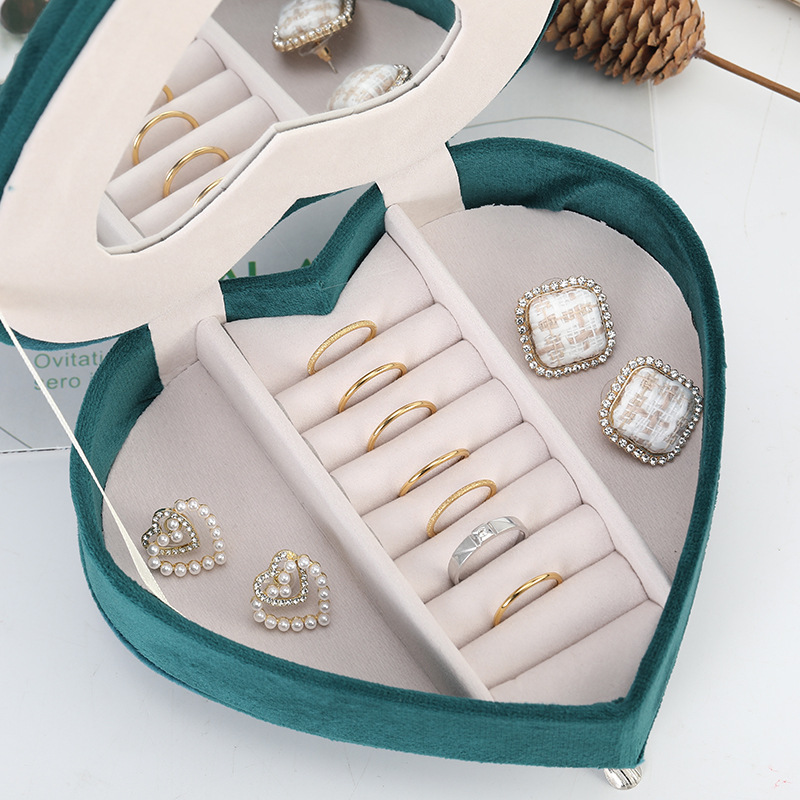
Luxury Velvet Furniture Shaped Jewelry Box Miniature Sofa Cabinet Jewelry Organizer Case For Rings Earrings Women Jewelry Storage Home Decor
$6.68
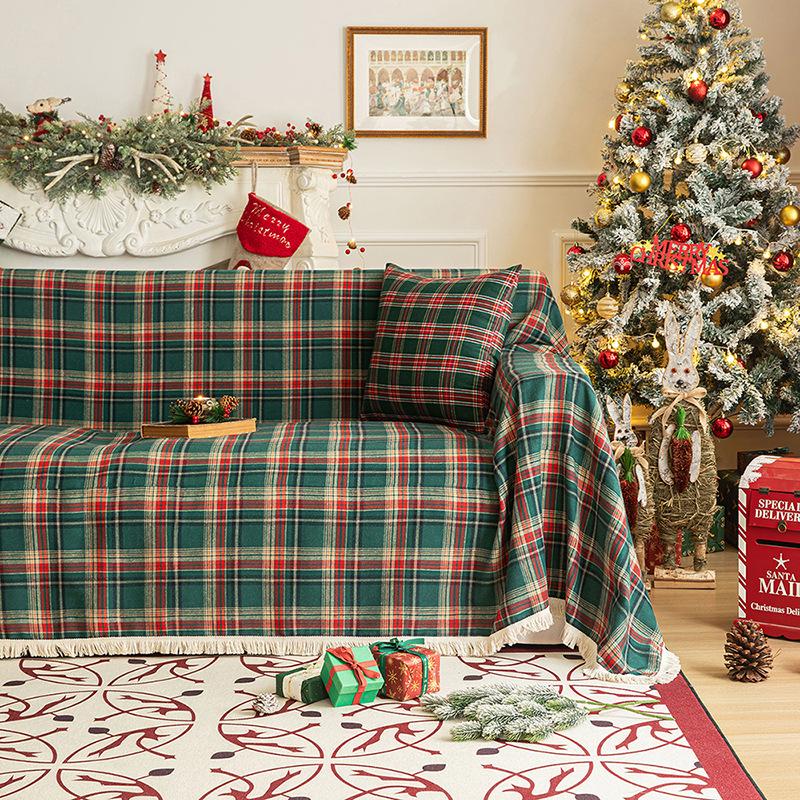
Christmas Plaid Sofa Cover Retro Scottish Checkered Throw Blanket With Tassels For Living Room Decor Polyester Xmas Holiday Furniture Protector
$10.09

Miniature Dollhouse Glowing Fireplace Plastic Resin Light Up Fire Effect Fireplace Model DIY Christmas Micro Landscape Scene Decoration Furniture Toy
$1.34
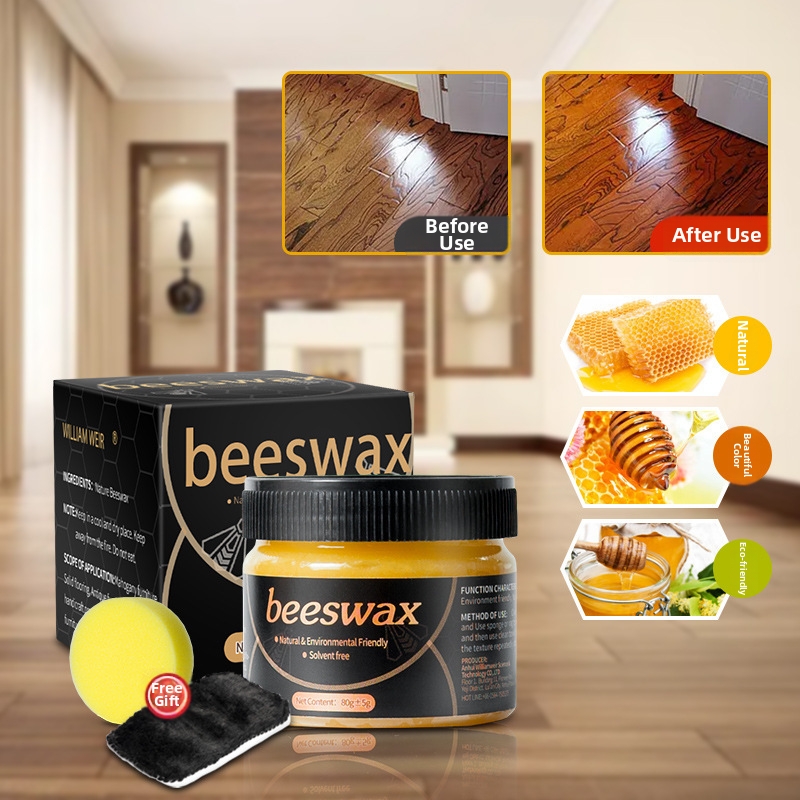
Natural Wood Care Beeswax Furniture Polishing Wax For Wood Floor Bamboo Protecting Nourishing Scratch Repair Paste Eco-Friendly Household Polish
$0.76

Christmas Static Stickers Cute Santa Claus Reindeer Snowflake Store Glass Window Stickers
$1.37

Irish Saint's Day Stickers Festive Shamrock Store Atmosphere Decoration Glass Electrostatic Stickers
$2.31
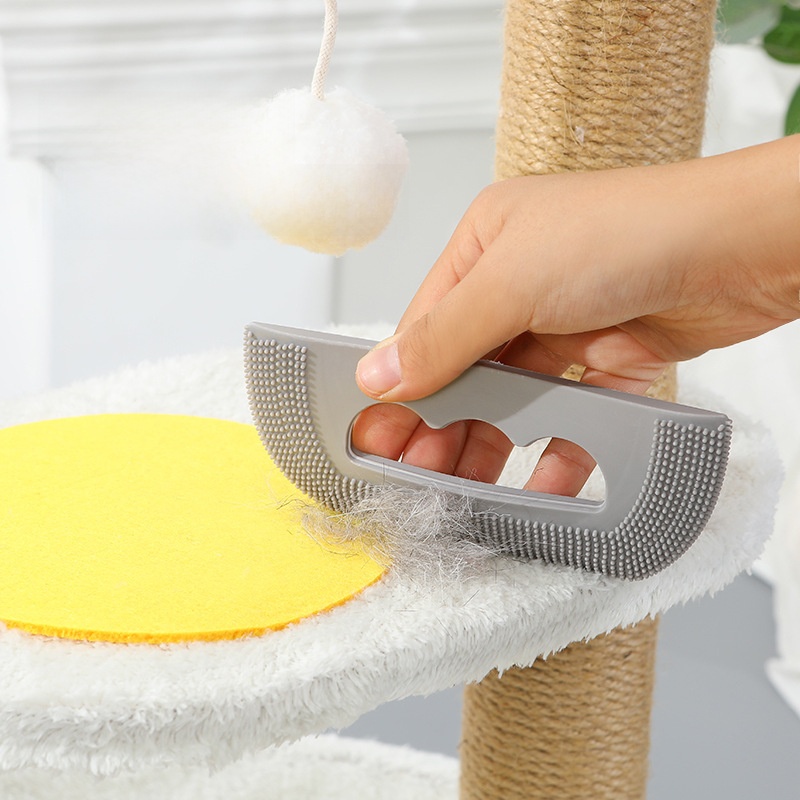
Portable Pet Hair Remover Brush TPR Soft Rubber Manual Fur Scraper Flexible Cleaning Tool For Carpet Furniture Cat Tree Clothing Grey
$0.11
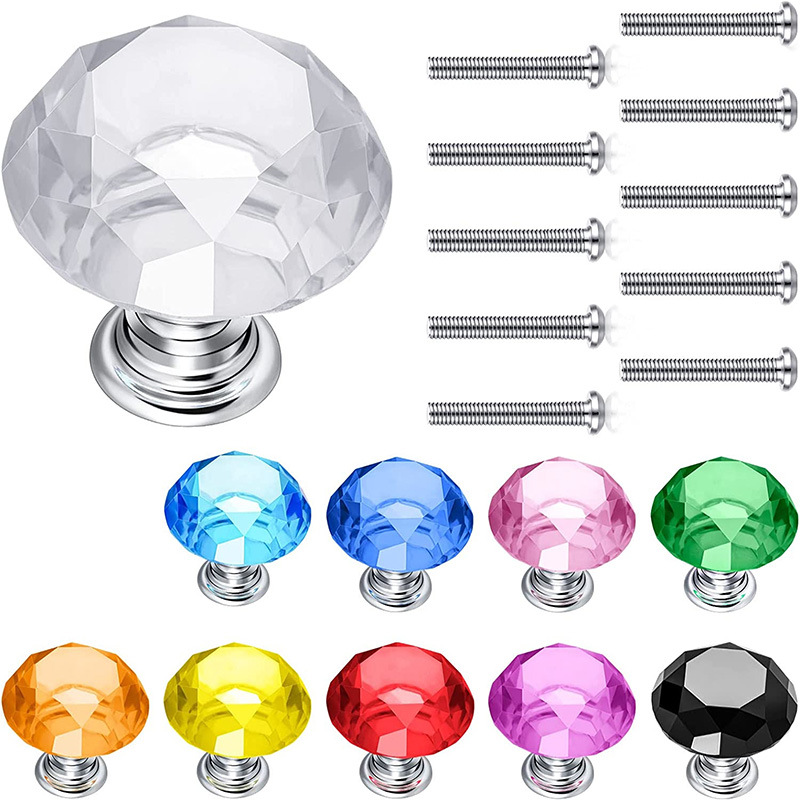
Luxury K9 Crystal Diamond Cabinet Pulls With Zinc Alloy Base Multicolor Drawer Knobs For Wardrobe Cupboard Furniture Hardware Single Hole Knobs
$0.17

Mini Transparent Suitcase Storage Box Plastic Dollhouse Furniture Accessory Eyelash Jewelry Case For Kids Girls Toy Trolley Case Wedding Party Favors
$0.97
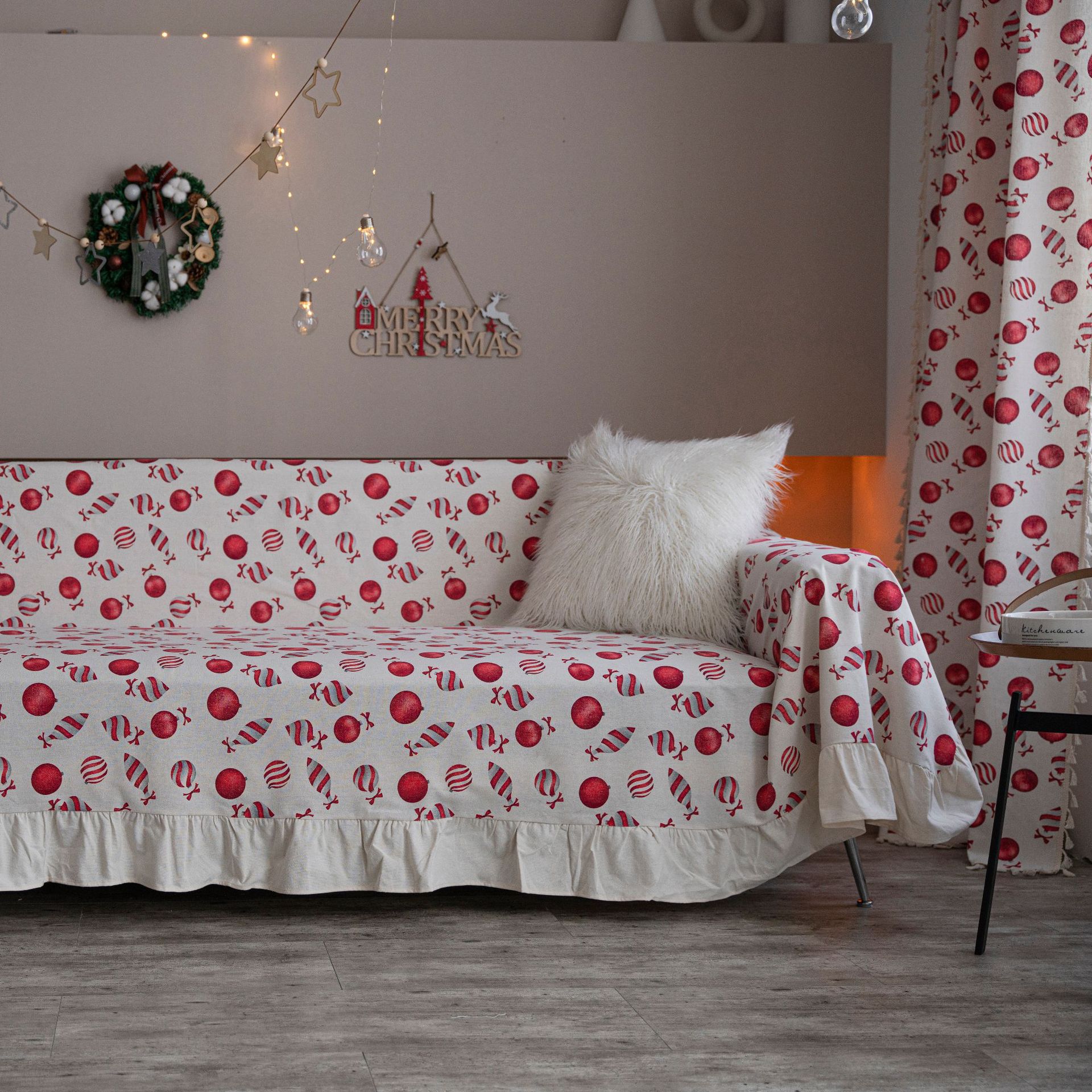
Christmas Printed Sofa Cover Polyester Cotton Dustproof Furniture Protector American Vintage Ruffle Edge Sofa Throw For Living Room Holiday Home Decor
$9.22
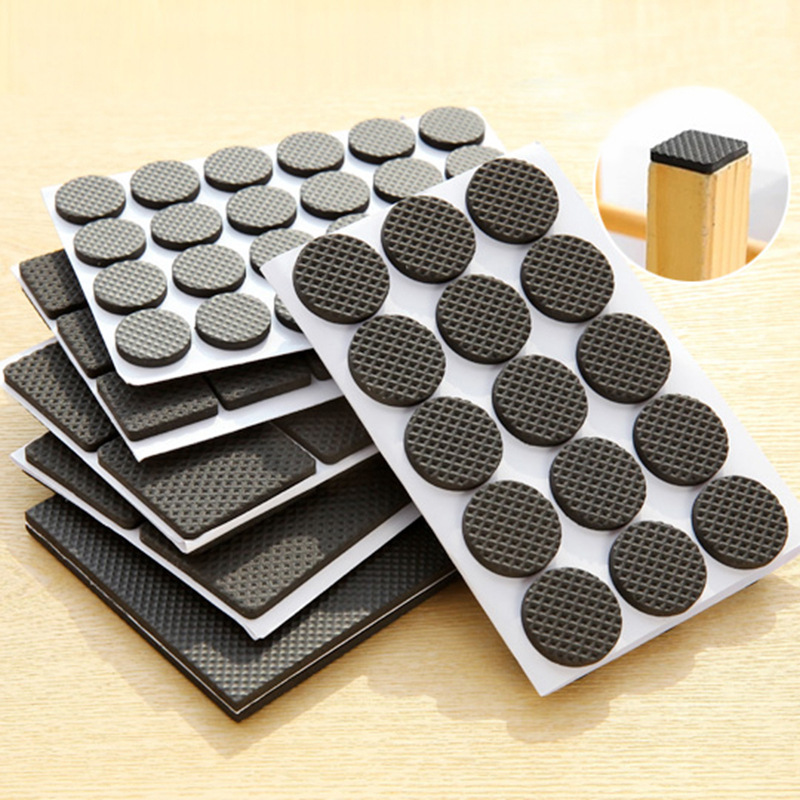
Thickened Anti-slip Furniture Leg Pads Self Adhesive EVA Foam Table Chair Leg Protectors For Hardwood Floor Protection Home Office Accessories
$0.02
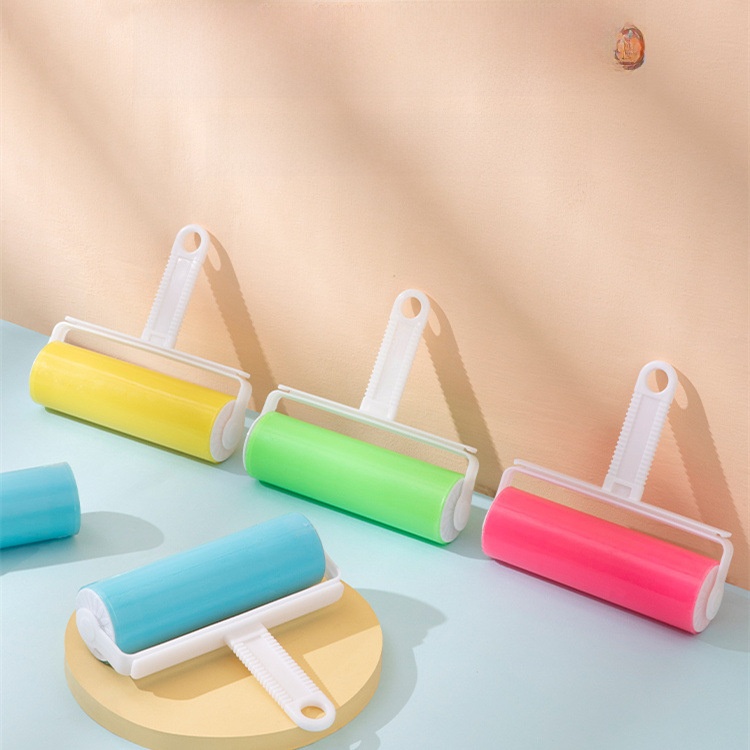
Washable Lint Roller Reusable Hair Remover Brush Sticky Roller For Clothes Pet Hair Furniture Cleaning Tools Portable Dust Remover With Cover
$0.71
Pre-Built Bundles for Quick Upsells
Bundling accessories reduces decision fatigue and increases per-unit margin. These bundles align with the furniture store context and can be promoted as add-ons during the Shopify product import phase.
Floor Protection Kit
Customers buying dining tables or sofas will appreciate floor protectors. This bundle groups anti-slip pads, leveling shims, and a door stopper for a complete protection set.
- Anti-Slip Furniture Padshero
- Transparent PVC Furniture Leveling Shimsupsell
- Mushroom Shape Silicone Door Handle Stoppercomplement
Bundle at $1.80 vs $2.07 separately – saves 13% per kit.
Home Decor Miniature Bundle
Target customers with decorative tastes or families with kids. Miniature furniture and accessories create a playful upsell when purchased alongside a sofa or shelving unit.
- Modern Miniature Wooden Dollhouse Furniture Sethero
- Miniature Wooden Park Bench Modelupsell
- Mini Transparent Suitcase Storage Boxcomplement
Bundle at $2.90 vs $3.40 separately – margin holds at 40%+ on wholesale cost.
Cleaning & Maintenance Trio
Furniture buyers often need cleaning tools. This three-item bundle covers pet hair removal, dusting, and wood polishing – a practical add-on at checkout.
- Portable Pet Hair Remover Brushhero
- Washable Lint Roller Reusable Hair Remover Brushupsell
- Natural Wood Care Beeswax Furniture Polishing Waxcomplement
Bundle at $1.45 vs $1.58 separately – adds $0.13 margin per sale.
Holiday Sofa Refresh
Seasonal buyers looking to update living rooms for Christmas. The themed covers and stickers create immediate visual appeal and can be marketed as a limited-time bundle.
- Christmas Plaid Sofa Coverhero
- Christmas Printed Sofa Cover (Ruffle Edge)upsell
- Christmas Static Stickerscomplement
Bundle at $18.50 vs $20.40 separately – strong margin for seasonal promotions.